Buildings and rooms
Every building floor by floor: rooms, area, seats, furniture and equipment. Add a whole building step by step, see each floor as a map, and find rooms that are full, have space or stand empty.
An EduFac product
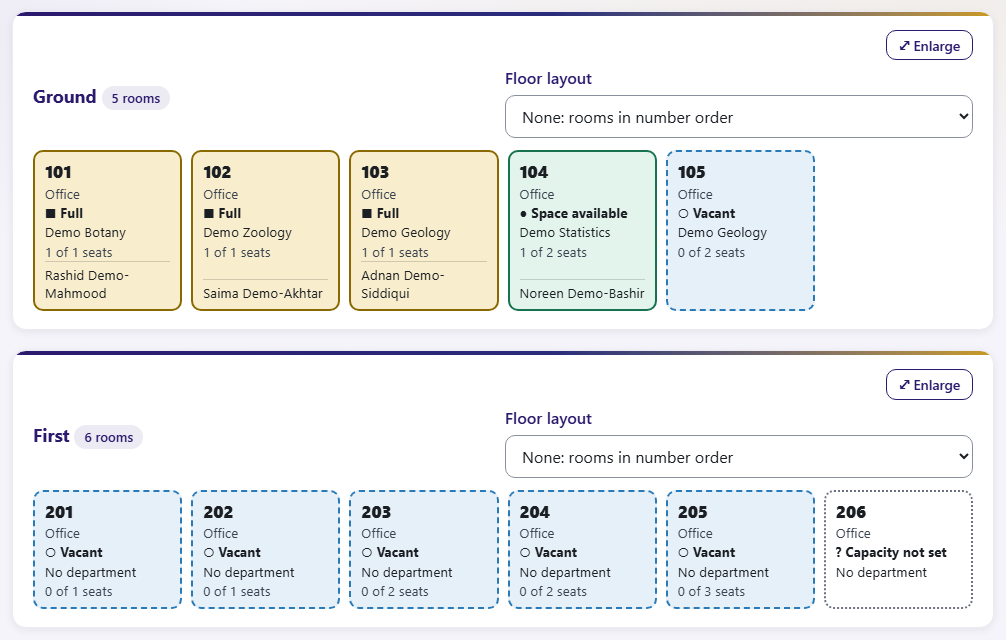
Every room and seat, floor by floor
Offices and classrooms with space
Courses, teachers and Extra Cr Hrs
Your data stays with you
One shared, up-to-date picture of your campus for the estate office, the registrar and every department, instead of spreadsheets that disagree.
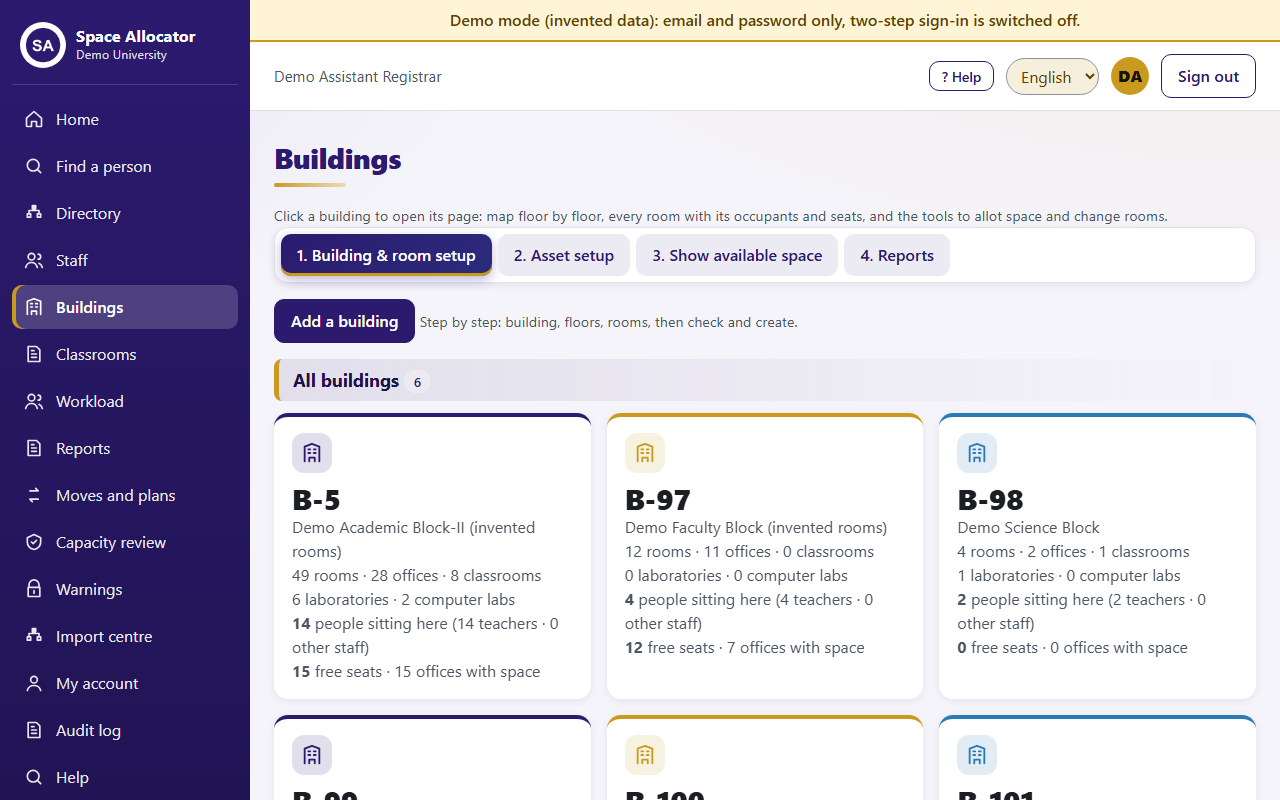
Every building floor by floor: rooms, area, seats, furniture and equipment. Add a whole building step by step, see each floor as a map, and find rooms that are full, have space or stand empty.
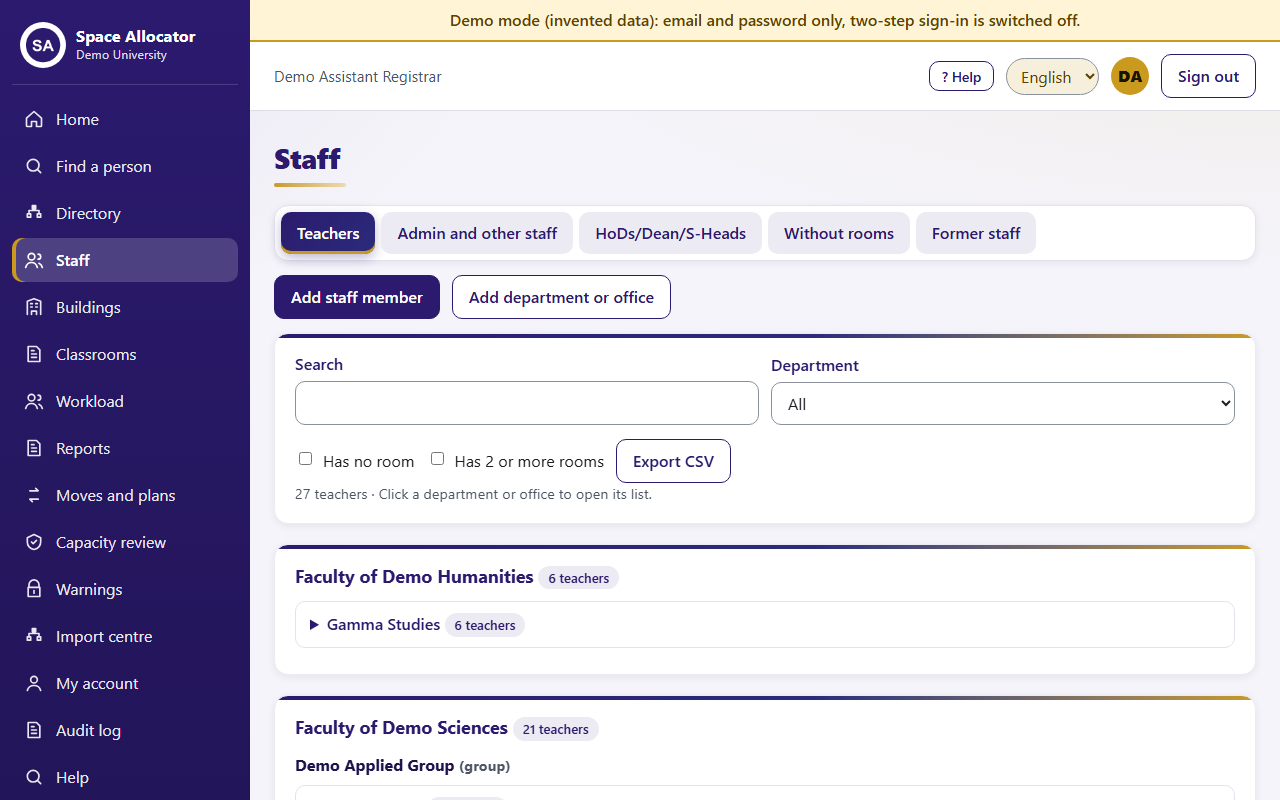
Who sits where, offices with free seats, people without a room and rooms over capacity. Find any person in seconds and allot a room in two clicks.
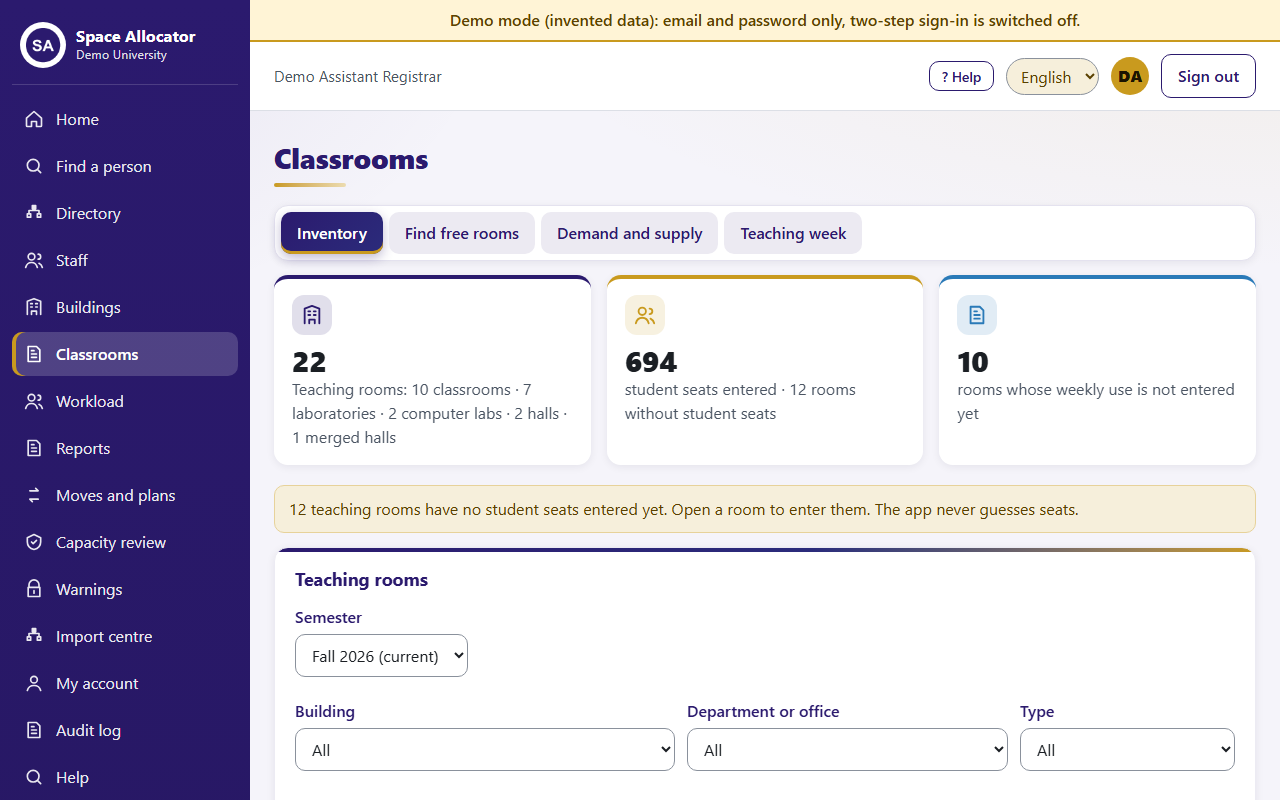
Classrooms, laboratories and halls with seats and facilities. See the room slots used and free each week, and find a free room for a class.
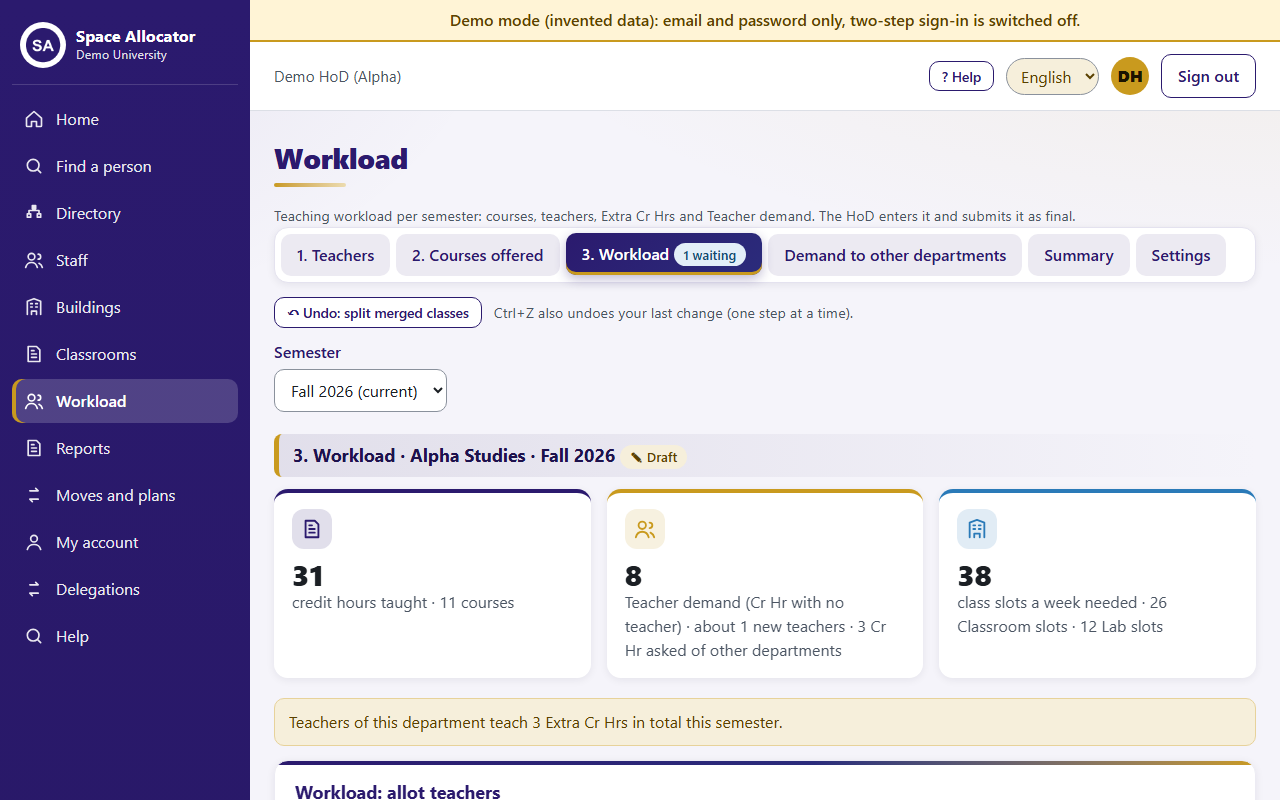
Each department enters the courses it offers and allots its teachers. The app shows credit hours, Extra Cr Hrs, teacher demand and the room slots needed, and departments can ask each other for a teacher.
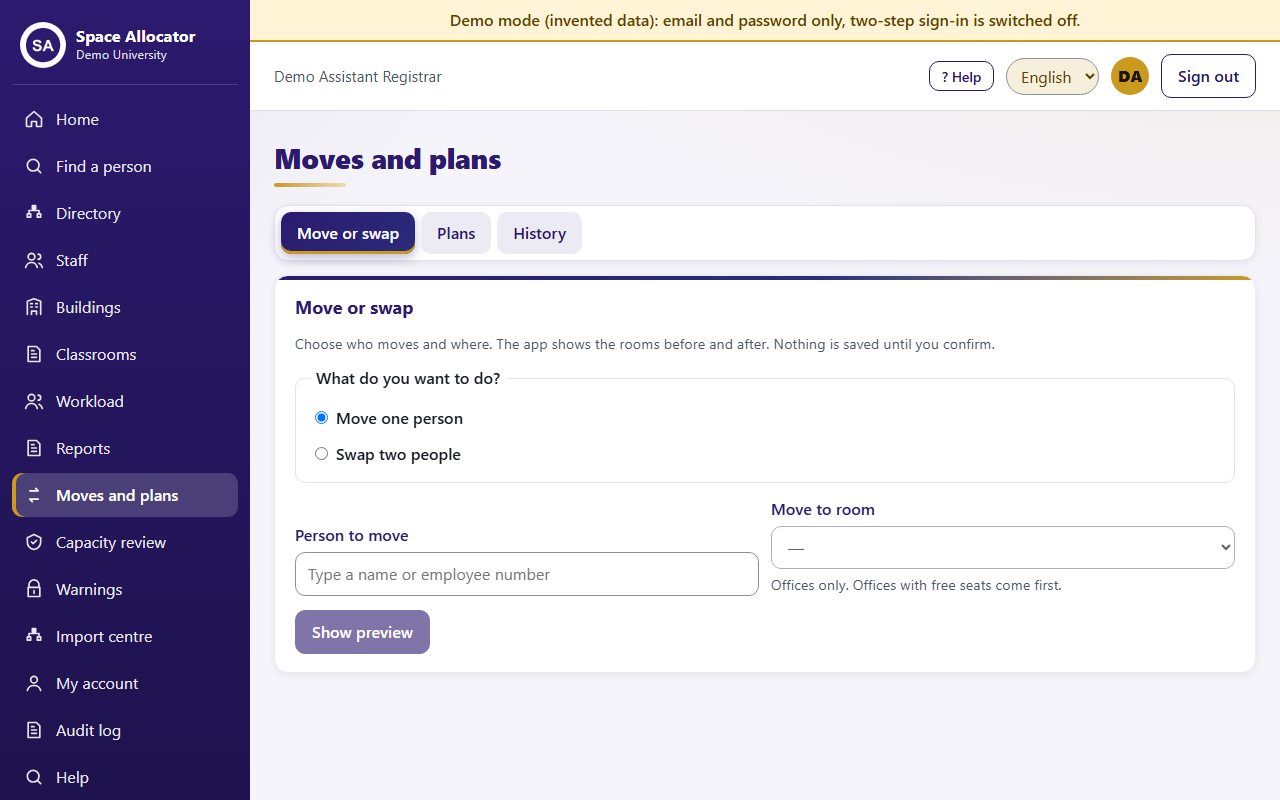
Move one person or swap two. The app shows the rooms before and after, and nothing is saved until you confirm. Every change is kept in the history.
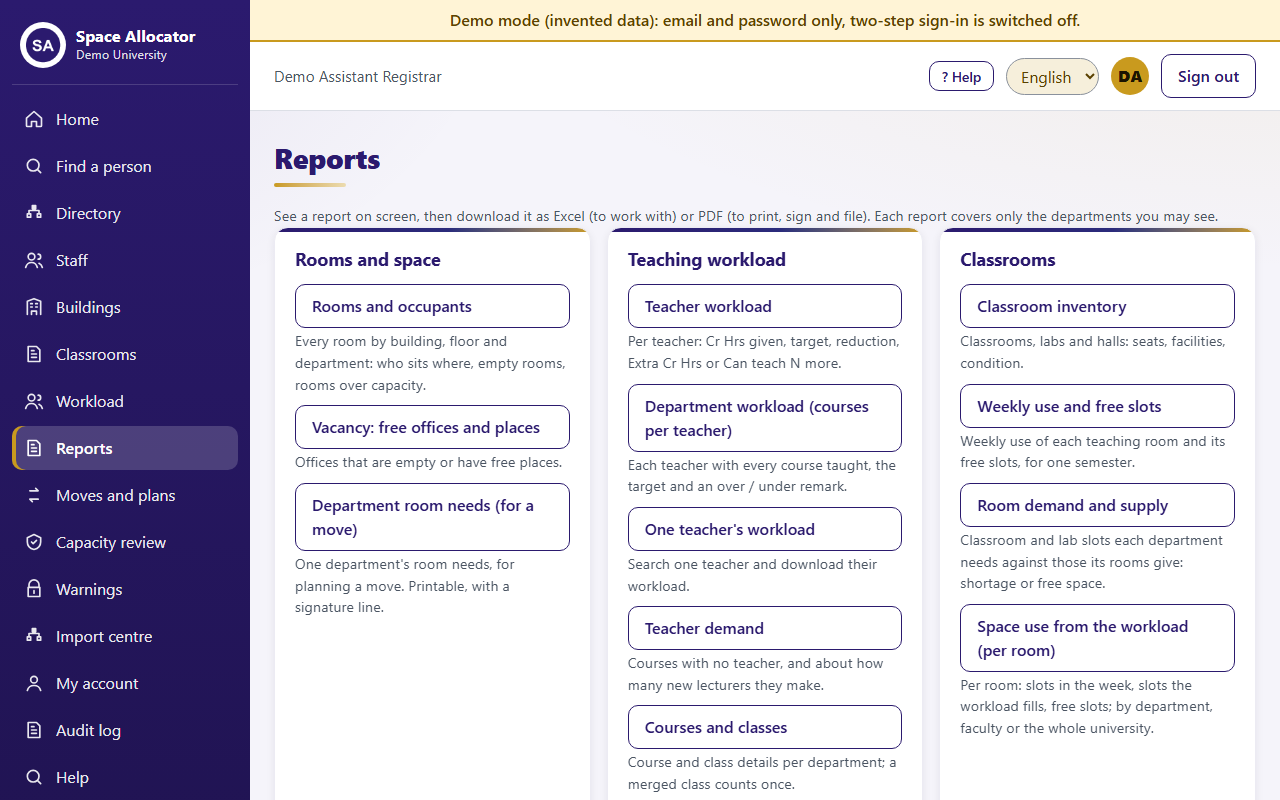
Rooms and occupants, vacancies, workload, classroom use and more. See them on screen, download as Excel to work with, or as PDF to print and sign.
Fill in the short request form with your institution's details.
We email you the download link, the install guide and your product key.
Install on one office computer. Others on your campus network open it in their browser.
Send a problem or a change request from inside the app. Updates arrive in the app and keep all your data.
Space Allocator runs on your own computer or server. We never see your staff records, and support access happens only when you allow it.
The current version is free of cost. Send a request and we will send you the download link and your product key.
One Windows 10 or 11 computer that stays on during office hours. No administrator rights are needed. Other staff use their browser on the campus network.
No. The internet is used only if you choose to send a problem to us or to receive updates.
No. Your data stays on your computer. If you need support, you decide what to send, and live support works only with a one-time code you give us, for a limited time.
Yes. Send a change request from inside the app. A change made only for you is switched on in your copy and does not affect anyone else.
Yes. Your institution's name, logo and colours appear on every screen and on printed reports.
Request your free copy. It takes two minutes.